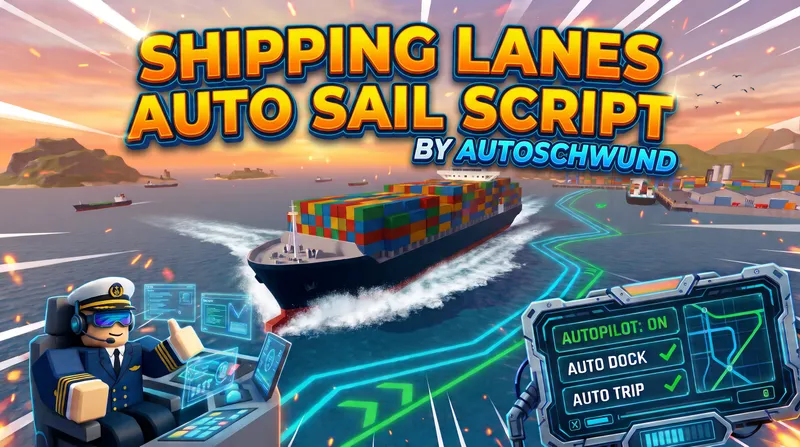
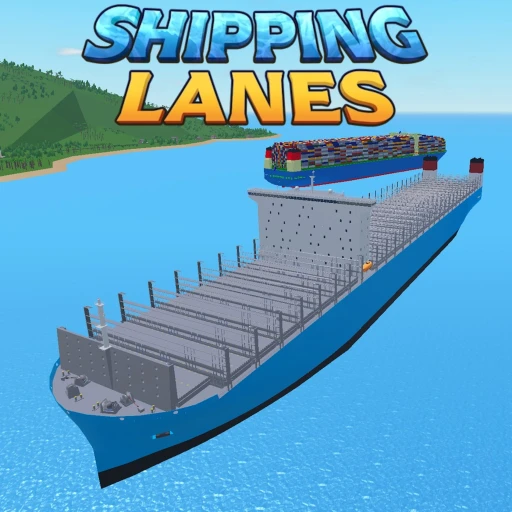
loadstring(game:HttpGet("https://vault.pandauth.com/kvs/9f81efb40ebba9e0"))()Autoschwund Shipping Lanes is an autopilot script for the Roblox Shipping Lanes game that drives, parks, and trades for you.
Tested on Madium Executor.
## 1. The Basics: Going to a Port
1. Get in your ship and sit in the captain's seat (the script won't work if you aren't driving).
2. Open the script menu.
3. At the top of the window, use the `<` and `>` arrows to pick your destination.
4. Go to the Status tab and click Start Auto Sail (or just press F7). The ship will now steer itself and avoid islands!
## 2. Auto Docking (Parking, Fuel, and Cargo)
## 3. Auto Trip (Infinite Money Loops)
Want the ship to go back and forth automatically?
1. Go to the Trip tab.
2. Pick your starting port (From) and ending port (Destination). You can also add a Transit stop just for gas and repairs.
3. Go back to the Status tab and click Start Auto Trip. It will keep running this loop until you tell it to stop.
## 4. Changing the Route
## 5. Handy Shortcuts & Tips
1loadstring(game:HttpGet("https://vault.pandauth.com/kvs/9f81efb40ebba9e0"))()No comments yet. Be the first to comment!